
You just wrapped up a client call on your mobile. There are three things you need to capture before the next meeting starts in 12 minutes. You could open BlaBlaNote and record. You could call in by phone. But your thumb is already hovering over WhatsApp because you were texting a colleague 30 seconds ago.
So you hold the mic button, say what you need to say, and send.
That’s it. The note is captured.
This small moment, the one where you almost lost three important takeaways from a client call, is exactly the scenario BlaBlaNote’s messaging integrations are designed for. The best capture tool is the one you’ll actually use in the moment, and for millions of professionals worldwide, that tool is the messaging app they already have open.
WhatsApp: hold, speak, send
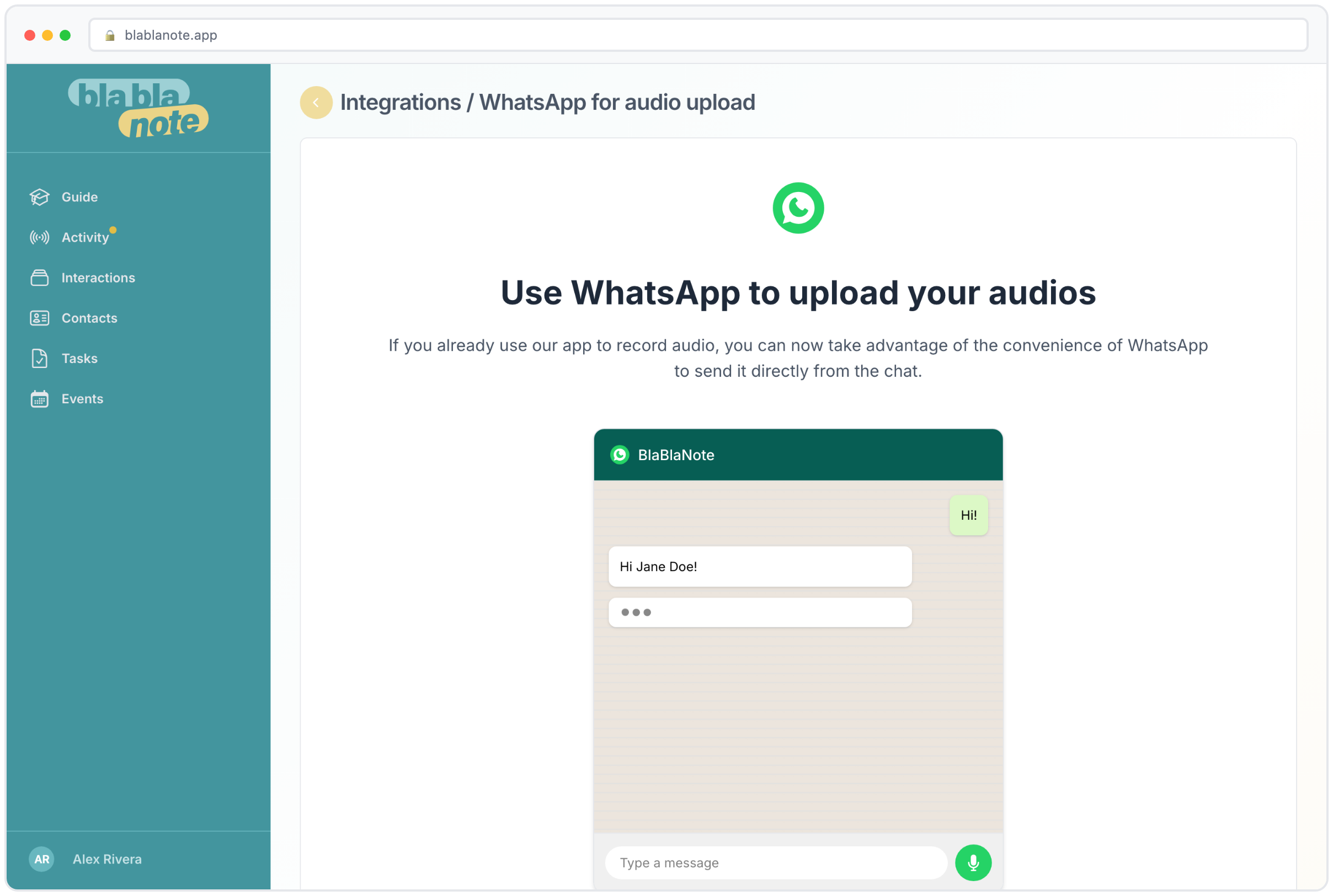
Connect your WhatsApp account to BlaBlaNote once, and you get a dedicated number to send voice messages to. Hold the microphone, record your thought, release. The message arrives in BlaBlaNote, gets transcribed, and processed with the same AI that handles everything else: summary, key phrases, action items, all extracted automatically.
No app switching. No learning curve. You already know how to send a WhatsApp voice message. You’ve probably sent five today. Now one of those channels goes straight into your professional knowledge base.
Setting up the WhatsApp integration
The setup takes about two minutes. In BlaBlaNote, go to integrations and select WhatsApp. You’ll receive a dedicated phone number to save in your contacts. We recommend saving it as “BlaBlaNote” or “My Notes” so it’s easy to find. Once saved, you just open a chat with that contact and start sending voice messages. That’s the entire setup.
Every voice message you send gets processed the same way an in-app recording would. The AI transcribes your words, identifies the language automatically (BlaBlaNote supports 12+ languages), generates a summary, and extracts any action items or tasks. If you mention a contact by name, the system can link the note to that person’s profile. The result is a fully structured note that appears in your BlaBlaNote account, ready to search, review, and act on.
Real scenarios where WhatsApp capture shines
For professionals who live in WhatsApp with their contacts, this changes the workflow entirely. Here are some of the most common scenarios:
After a client call. You finish a call, hold the mic, debrief into BlaBlaNote’s number, and the notes are structured before you’ve poured your next coffee. The key points, commitments made, and follow-up tasks are all captured without you having to type a single word.
Walking between meetings. You’re at a conference, walking from one session to another. You have three minutes before the next talk starts. Hold the mic, recap what you just heard and who you talked to, send. By the time you sit down, the note is already processed and linked to the event.
During your commute. Driving to the office, a thought strikes about a project you’re working on. You can’t open an app, but you can send a voice message hands-free. The idea is captured, transcribed, and waiting for you when you arrive.
Late at night. You remember something important before bed. You don’t want to open your laptop or even unlock your phone fully. A quick voice message to BlaBlaNote’s WhatsApp number takes ten seconds.
For teams who communicate through WhatsApp groups all day, the transition from “chatting about work” to “documenting work” is a single message. The notes don’t live in a chat thread that gets buried. They live in your structured, searchable BlaBlaNote system.
Telegram: same idea, different app
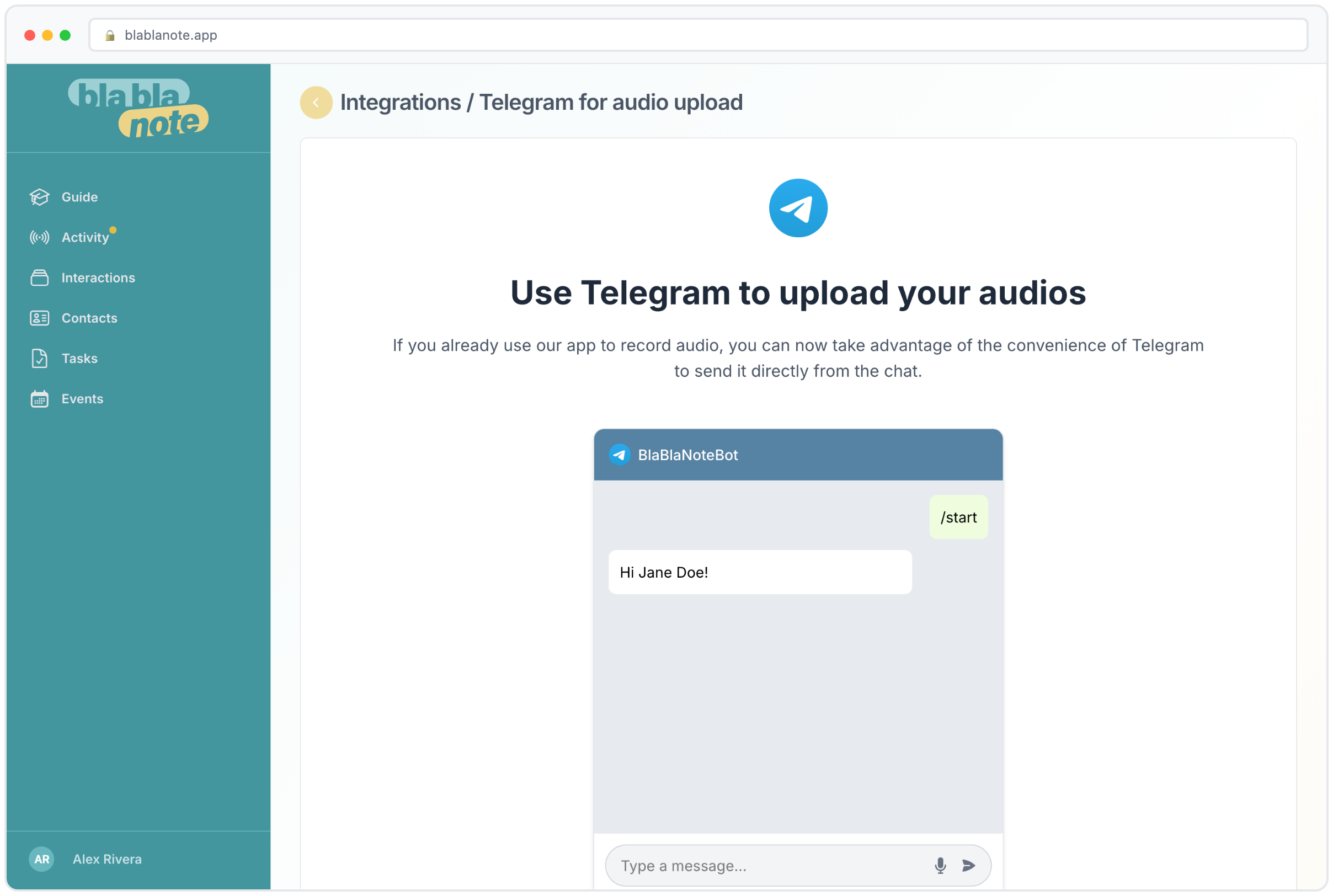
If Telegram is your messaging tool of choice, the integration works the same way. Connect the BlaBlaNote bot, and you can send voice messages that get transcribed and processed automatically. The bot also sends you notifications when transcriptions are ready, when tasks are due, and when it’s time to follow up with a contact.
The Telegram bot experience
The Telegram integration has a few advantages that come from Telegram’s bot platform. The BlaBlaNote bot can send you interactive messages. When a transcription is ready, you get a notification with the summary right in your Telegram chat. You can quickly review it without opening BlaBlaNote. When a follow-up reminder is due, the bot sends you the contact name and the context of your last interaction.
You can also send text messages to the bot, not just voice notes. If you’re in a situation where you can’t speak, type a quick note and it gets processed the same way. The AI still extracts key points and tasks from text input. This makes Telegram a versatile capture channel for any situation.
For teams that use Telegram for internal communication, this means note capture lives where the conversation already happens. No context switching, no “I’ll log that later” that turns into “I forgot to log that.” The note goes from your voice to your BlaBlaNote account in one step.
Why messaging apps matter for capture
We’ve learned something building BlaBlaNote: the best capture method is the one you’ll actually use. Some people prefer recording in the app. Others prefer calling a phone number. Others upload audio files from their recorder. There’s no single right answer, because the right answer depends on what you’re doing when the thought strikes.
Messaging apps win in one specific scenario: when you’re already holding your phone and already inside a chat. The friction between “I should capture this” and “it’s captured” is essentially zero. You don’t open another app, you don’t dial a number, you just hold and speak.
The friction equation
Every step between “I have a thought” and “it’s saved” is a moment where the thought can be lost. Open the app (one step). Wait for it to load (another step). Find the record button (another step). Three steps might sound trivial, but in the context of a busy professional day with back-to-back meetings, those steps add up to “I’ll do it later.” And “later” often means “never.”
With WhatsApp or Telegram, the app is already open. You’re already looking at it. The voice message button is right there. The friction isn’t three steps. It’s one: hold and speak. That reduction in friction is the difference between notes that get captured and notes that get lost.
This is why we built multiple capture methods. Not because one is better than the others, but because different moments call for different tools. At your desk? Use the BlaBlaNote app directly. Driving? Call in. In a messaging thread? Send a voice message. The capture method adapts to your moment. The quality of the result is always the same.
Adoption across teams
For organizations rolling out BlaBlaNote across teams, this matters. Adoption depends on how naturally the tool fits into existing habits. If your team already communicates through WhatsApp or Telegram, giving them a capture method that lives inside those apps means they’ll actually use it. No training sessions, no behavior change required.
We’ve seen this pattern repeatedly: teams that have access to the messaging integrations capture significantly more notes than teams that only use the standalone app. Not because the app is harder to use, but because the messaging channel meets them where they already are. The habit of sending a quick voice message is already formed. Redirecting one of those messages to BlaBlaNote requires zero new behavior.
For team leads and managers, this also means better documentation of client interactions, project decisions, and meeting outcomes. When capture is effortless, people actually do it. When people actually do it, the team’s collective knowledge base grows organically.
Contact import too
Both integrations also let you import contacts. Share a contact card via WhatsApp, and BlaBlaNote parses the information. Import your Telegram contacts with a guided selection process. These contacts land in the same unified contact system as everyone else, ready to be linked to interactions, enriched with context, and tracked with follow-up cadences.
This means you can go from “I just met someone and saved their number in WhatsApp” to “they’re a full contact in my relationship management system” in seconds. Share their contact card to BlaBlaNote’s WhatsApp number, and their name, phone number, and any other information on the card gets imported automatically. From there, you can enrich their profile with LinkedIn data, add notes, set a follow-up cadence, and track the relationship properly.
Everything in one place
However the note gets in, it ends up in the same place. Same transcription quality, same AI insights, same search, same contact linking. A voice message sent from WhatsApp at 9am and an in-app recording from a meeting at 2pm sit side by side in your interaction history. The capture method is flexible. The destination is always the same.
This is a principle we care about deeply at BlaBlaNote. The system should work around your habits, not the other way around. If WhatsApp is your fastest channel, use it. If Telegram is where you live, use that. If you prefer the native app, the phone line, or the browser extension, those work too. Every channel feeds into the same AI pipeline, the same contact system, and the same searchable knowledge base. You capture however is most natural. BlaBlaNote makes sure nothing gets lost.