
- The list cleans itself, and tells you what it did
- Ten a week, not five hundred at once
- Every archive is reported, and every one is reversible
- The nudge that stops the pile from forming
- Change the frequency without leaving the page
- Why both, and why now
- What this doesn’t do
- And you can always do it yourself
- Try it on your own list
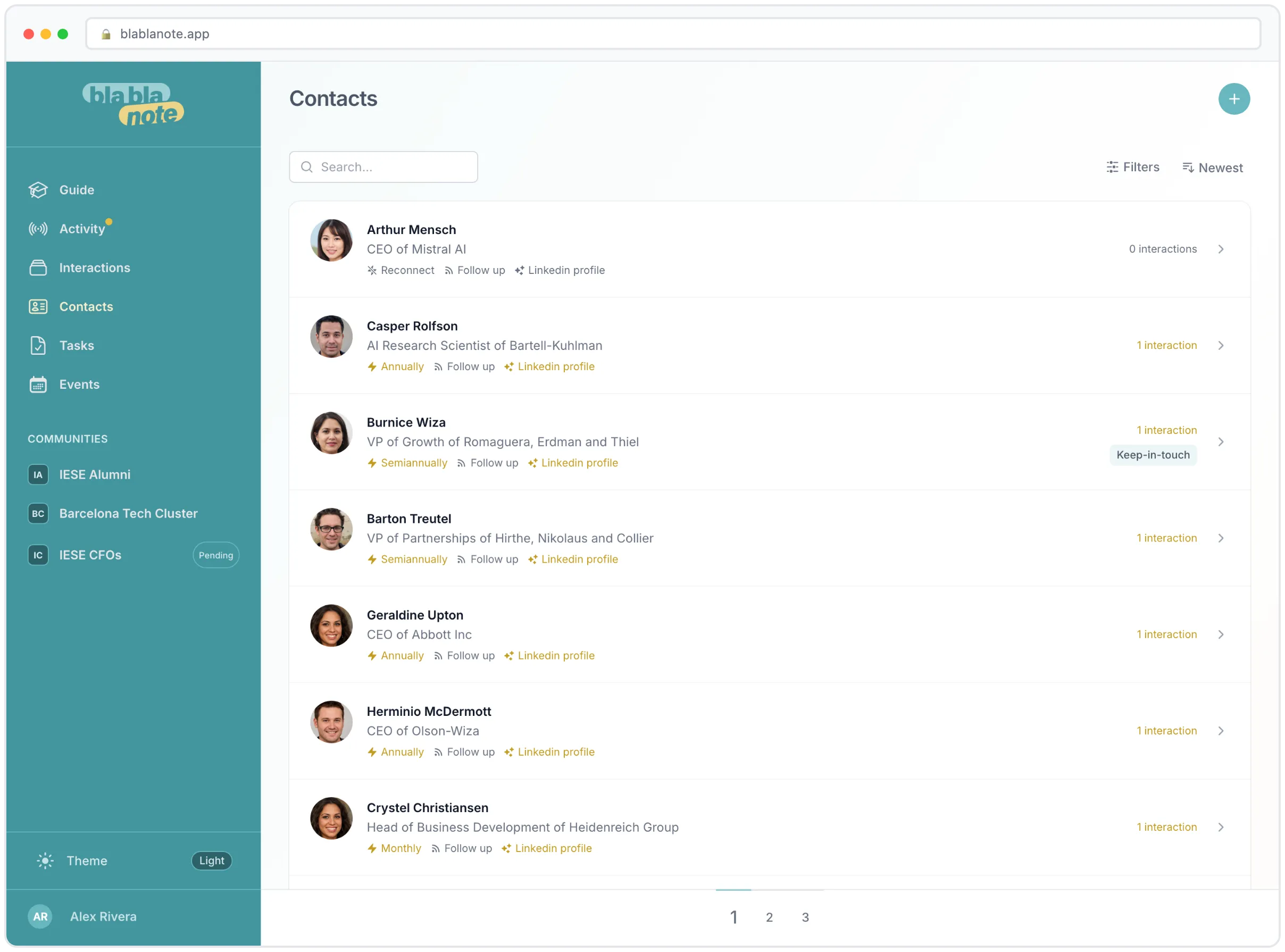

Open your contacts list and scroll. Somewhere down there is a name you cannot place. A person you met at a conference in 2023, exchanged one message with, and never spoke to again. There are probably fifty of them.
They’re not hurting anyone, exactly. But they are the reason your contacts list stopped feeling like your network and started feeling like a database you inherited.
This month we shipped two things that work on opposite ends of the same problem. One quietly cleans up the past. The other stops the pile from growing in the first place.
The list cleans itself, and tells you what it did
Every week, BlaBlaNote now looks for the contacts you have very clearly stopped engaging with, archives them, and tells you exactly which ones in your weekly planning email.
The word “archives” is doing a lot of work there, so let’s be precise about what qualifies. A contact has to clear all of these before it’s touched:
- Six months of silence. A hundred and eighty days with no interaction at all. If you’ve never logged a single interaction with them, then a hundred and eighty days since you added them.
- No active cadence. If you’ve told BlaBlaNote you want to stay in touch with this person every quarter, that’s a decision you already made. It’s respected. The contact is never a candidate.
- A low relationship score. This is the important one. A dormant contact who still scores well isn’t a candidate for archiving, it’s a candidate for reconnecting. Those two paths never overlap: the reconnection nudge fires at sixty days, archiving waits for a hundred and eighty.
The evaluation is deliberately conservative. It only proposes contacts you are very unlikely to miss.
Ten a week, not five hundred at once
There’s a cap: ten contacts per user per weekly run. If you’re coming back to BlaBlaNote after a long stretch away and you have four hundred dormant names, they don’t all vanish in one Monday morning. The backlog drains ten at a time over the following weeks.
That’s not a technical limit. It’s so you can actually read the list. Ten names in an email is something you scan. Four hundred is something you delete.
Every archive is reported, and every one is reversible
The archiving runs from the weekly digest specifically so that it lands in the same email that tells you about it. The subject line is plain: we archived these quiet contacts, restore any you want to keep.
Archived contacts are hidden from your contacts list, not deleted. Nothing is lost. Every note, every interaction, every task attached to them stays exactly where it was. Open the contact and there’s a single button to bring them back, and the moment you do, they’re a normal contact again with their full history intact.
If you disagree with what we archived, the fix takes one tap and we’d genuinely like to hear about it. A conservative rule that’s still wrong for your network is a rule worth changing.
The nudge that stops the pile from forming
Archiving is cleanup. The second feature is prevention.
You’ve just finished recording a conversation. The notes are written, the tasks are extracted, and normally that’s where it ends. The contact goes back into the list, undecided, and joins the slow drift toward the six-month mark.
Now, at the bottom of the interaction, there’s a card that asks the one question you were about to not answer: what happens with this person next?
What it asks depends entirely on where you are with them:
You’ve just met them. One interaction on record, no cadence. The card offers three ways out: set a cadence, remind me later, or archive. This is triage, and it takes a second.
You’ve talked to them more than once and still haven’t decided. The card leads with a recommendation instead of a menu. If the relationship scores as relevant, the recommended action is setting a cadence, with archive as the alternative. If it doesn’t, those two swap. Either way there’s a third option, Dismiss, which means “leave them active, no cadence, stop asking.” That one matters: without it, the card would force a false binary between committing to a schedule and filing someone away.
You already have a cadence and it fits. No card. Nothing. We do not nag about a system that’s working.
You already have a cadence and it clearly doesn’t fit. This is the only case where an active cadence earns an interruption, and it fires on the two extreme corners of the matrix: a contact you’ve marked as key that you see at most twice a year, or a low-importance contact you’re scheduled to chase every week. The card carries the reason it appeared, not just the suggestion.
Change the frequency without leaving the page
When the card suggests adjusting a cadence, the frequency picker is right there, inline. You don’t get bounced to the contact page, into a settings panel, and back. You pick weekly, monthly, quarterly, whatever fits, and you’re done, still on the interaction you were reading.
It’s a small thing. It’s also the difference between a suggestion people act on and a suggestion people close.
Why both, and why now
These two features are the same idea pointed in two directions.
A personal CRM fails in a specific, boring way: not with a bug, but with entropy. Every contact you add without deciding what they mean to you makes the list slightly less useful, and the decay is invisible until the day you open the app, see two thousand names, and can’t find the twelve that matter.
The nudge makes the decision cheap at the moment you have the most context, which is right after you talked to them. The weekly archive handles everything from before we started asking.
Between them, your contacts list should slowly converge on something true: the people you actually have a relationship with, plus the ones you’ve explicitly decided to keep an eye on. Everyone else is one tap away, archived, not gone.
What this doesn’t do
Worth saying plainly:
- Nothing is ever deleted. Archiving hides a contact from the list. That’s the whole action.
- The weekly archive doesn’t ask first. It acts, then reports. We went back and forth on this and landed on acting because a weekly email asking you to approve ten archivals is a weekly chore, and chores get ignored until the inbox rule sends them to a folder. Reporting after the fact, with one-tap restore, is the version that actually keeps the list clean.
- The nudge is deterministic, not AI. It’s a set of rules evaluated in priority order, first match wins. There’s no model deciding whether your relationship with someone is worth keeping. That felt like exactly the wrong place to be clever.
And you can always do it yourself
None of the above stops you archiving somebody the moment you decide to. Open the contact, Options, Archive. A banner then says they are archived and hidden from your list, with Restore beside it — and nothing has been lost: their interactions, tasks, pings and dates are all still there, waiting in case you were wrong.
Try it on your own list
If you’re a BlaBlaNote user, you don’t need to do anything for the archiving. It’s already running, and the next weekly planning email will tell you what it found. The nudge will show up the next time you finish an interaction.
If your list has been quietly rotting for a year, the next few Mondays are going to feel good.
And if you’re not using BlaBlaNote yet, this is a decent illustration of the philosophy: start your free trial, and let the app do the boring part of relationship management so you can do the part that actually involves people.
