
The ten-minute recording limit was one of those constraints that looked reasonable on a spec sheet and absurd in practice. Ten minutes is a coffee. It is not a meeting.
It’s now ninety minutes.
That’s the headline, but the rest of this post is about the less obvious half of the work, which is that a ninety-minute recording produces a fundamentally different kind of note than a ten-minute one, and most of what we shipped this month exists because of that.
Why ten became ninety
The limit was never about how long we could listen. It was about the path the audio takes: uploads used to route through the application server, which caps how big a request can get.
Recordings now upload directly to storage, bypassing that path entirely, and the transcription and AI processing run as queued background work rather than while you wait. Ninety minutes of audio sits comfortably inside those limits.
If you do try to record or upload something longer, you’re told immediately, before the upload starts, rather than after it fails. That sounds trivial. It wasn’t: the old behaviour left an orphaned file in storage and gave you an error at the end of a long upload, which is the worst possible moment to receive one.
Conversations now come back as conversations
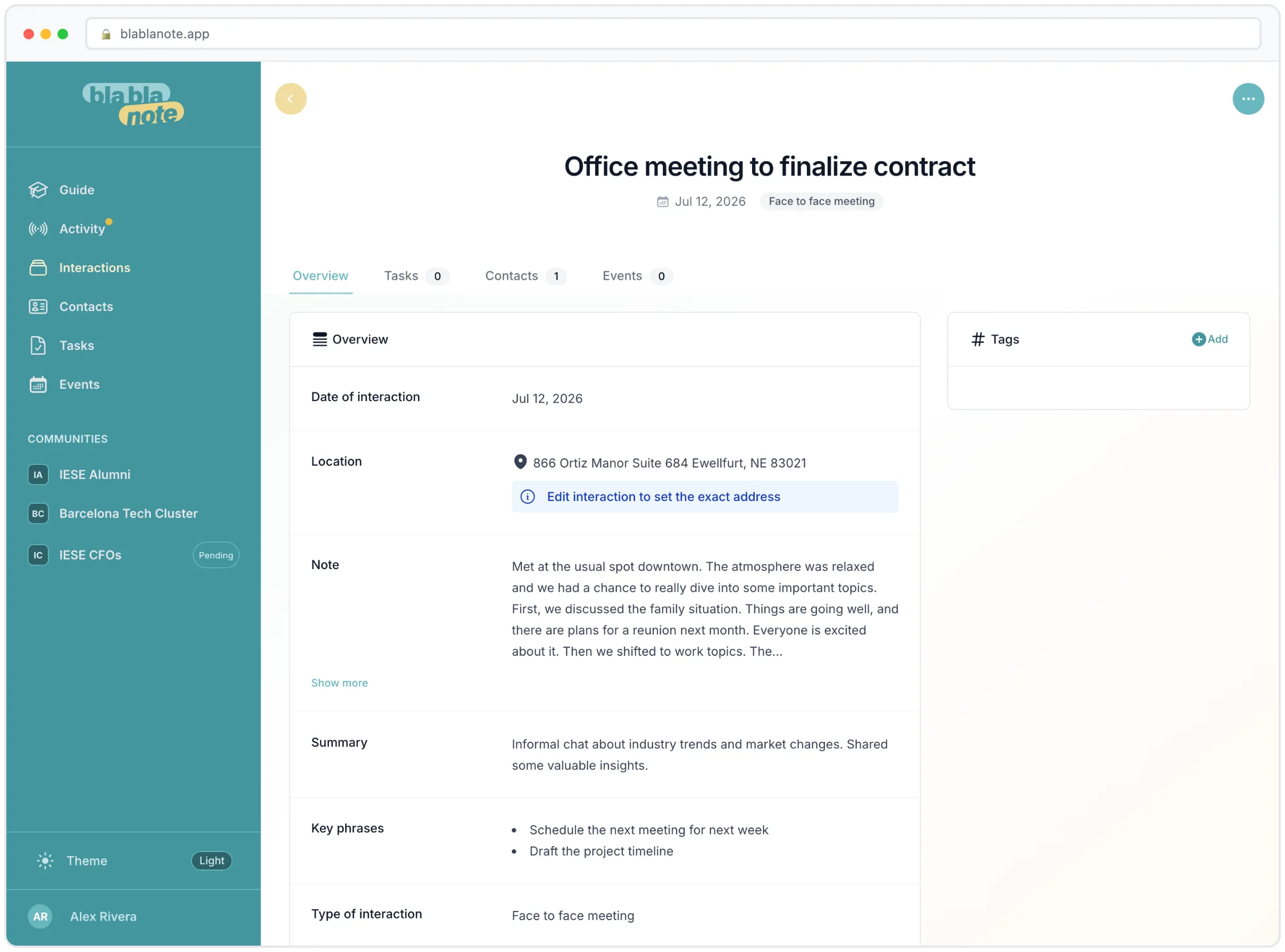

A ninety-minute meeting usually has more than one person in it, and a flat wall of transcribed text is close to useless for a real conversation. You can’t tell who committed to what.
Multi-speaker recordings are now stored as speaker-turn dialogue. Speaker A said this, Speaker B answered that, in order. Single-speaker audio, a voice note to yourself in the car, stays a flat transcript, because turning a monologue into dialogue would be theatre.
The rewrite finally removes the ums
Here’s the one that took the longest to get right.
BlaBlaNote’s AI rewrite cleans up a raw transcript into something readable. But notes were coming back with every verbal tic intact. Every um, every you know, every o sea and bueno. Readable, technically. Not clean.
The pipeline wasn’t broken. The prompt simply never asked. A filler word isn’t a grammar mistake, it’s a word the speaker actually said, and a proofreader asked to fix spelling, grammar and punctuation has no mandate to delete words that were spoken. So it didn’t.
The fix took some care, because the obvious version is dangerous. Asking loosely, “give me a clean readable rendition,” does remove fillers, but unreliably, and in our testing one run also quietly deleted three numbers from the text. A note-taking tool that occasionally removes the figures from your notes is worse than one that leaves the ums in. Considerably worse.
What works is being specific: enumerate exactly what may be removed, and forbid every other deletion. Hesitation sounds go. Content stays. Measured across repeated runs on a deliberately messy sample, that version removed nearly all fillers while preserving over 90% of the original content, consistently, with no dropped figures.
Long transcripts are rewritten in chunks rather than asked for in one impossible pass, and if a chunk comes back looking wrong, it’s rejected and the original text is kept. The failure mode we care about is not “the note has an um in it.” It’s “the note is missing a sentence.” We optimised hard against the second one.
Your links survive
If you paste a URL into your notes, it’s still there after the AI reprocesses them. This was a real bug: the rewrite would occasionally drop links, and there’s now a deterministic guard that re-injects anything the AI lost. Not a better prompt, a guarantee.
Titles you wrote by hand survive reprocessing too.
Redo processing, properly
The redo-processing action now repairs the two things people were actually trying to fix when they used it: the transcription source language and the translation target. If a meeting in Catalan got transcribed as Spanish, redoing it now genuinely redoes it, rather than re-running the same wrong assumption.
Related: the capture screen has a compact language bar, with the source picker always reachable and translation as an explicit opt-in rather than something that happens to you. Teaching BlaBlaNote your language has never been more relevant than in a ninety-minute meeting where three people switch between two of them.
Failures stop being silent
The worst bug class in a recording app is the silent one. You record, you close the app, and there’s simply no note. No error, no explanation, nothing to retry.
Two of those are gone. Background sync of offline recordings now surfaces the real reason on permanent failure, whether that’s validation, quota, or exhausted retries, instead of failing quietly into nothing. And an AI response that comes back empty now fails loudly and retries, instead of marking the interaction as done with no content in it.
We also removed a warning that had been telling people their unsynced recordings would be deleted. They wouldn’t be. The warning was describing a purge that didn’t exist.
What it adds up to
Ten minutes made BlaBlaNote a voice-note app. Ninety makes it a meeting-notes app, and those have different requirements: speaker attribution, readable prose, links intact, and above all no silent losses, because you can’t proofread a note against a meeting you’ve already forgotten.
If you’ve been keeping BlaBlaNote for quick captures and taking your real meeting notes somewhere else, this is the month to try moving the real ones over. Record your next meeting end to end and see what comes back.
Not a user yet? Start the free trial, record something long and messy on purpose, and judge it on that rather than on a clean thirty-second demo. That’s the case we spent this month on.
